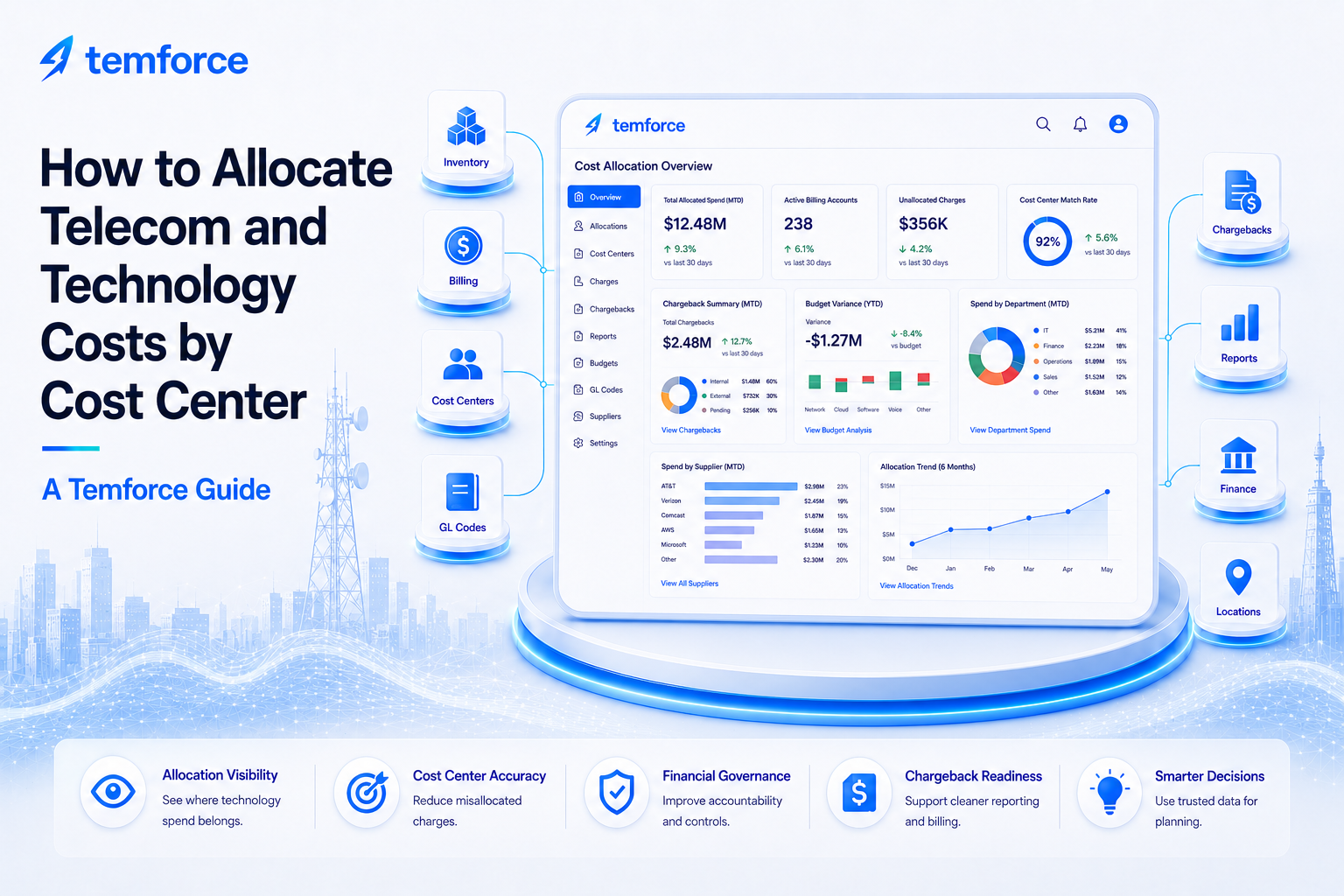
How to Allocate Telecom and Technology Costs by Cost Center
May 28, 2026
Cost Control
Telecom and technology cost allocation is the process of assigning recurring technology charges to the correct cost center, department, owner, location, project, or business unit. Accurate allocation depends on clean inventory, valid invoices, correct billing accounts, current ownership, and finance-ready data.
Cost allocation is not just a finance exercise. It is a TEMOps control point. If the inventory does not show who owns a service, where it belongs, what supplier bills it, and what cost center should receive the charge, finance teams are forced to allocate spend with incomplete context.
Every recurring technology charge should have a clear business owner, cost center, billing account, supplier, service record, and allocation rule. Without those connections, technology spend becomes harder to explain, forecast, validate, and control.
Why cost allocation matters in TEM
Technology expense management breaks down when finance teams cannot tell who should own a charge. A valid invoice can still create problems if the charge is assigned to the wrong cost center, mapped to an outdated owner, or posted to a department that no longer uses the service.
A strong allocation process connects spend to accountability. It helps finance, IT, procurement, and business owners understand where technology costs belong and what needs to change when services move, change, renew, or disconnect.
Cost allocation connects services, invoices, billing accounts, owners, departments, locations, cost centers, and GL codes.
Charges need owners, allocation rules, approval context, and review workflows so spend does not become orphaned.
Allocation control helps prevent valid charges from being posted to the wrong team, location, department, or business unit.
When allocation data is maintained, teams spend less time chasing owners, correcting journal entries, and rebuilding chargeback files.
Cost allocation becomes much easier when inventory is treated as an operating record, not just a list of assets. The inventory should tell finance where the charge belongs, who owns it, what account it came from, and whether the service should still be active.
The cost allocation model
A strong cost allocation model connects inventory, invoices, billing accounts, ownership, suppliers, finance codes, requests, reports, and dashboards.
| Allocation Area | What to Track | Why It Matters | Risk If Missing |
|---|---|---|---|
| Service ownership | Business owner, technical owner, department, team, user, and approver. | Ownership helps determine who should be accountable for the charge. | Charges become orphaned or assigned based on guesswork. |
| Cost center mapping | Cost center, GL code, department code, project code, business unit, and allocation rule. | Finance needs clean coding to support chargeback, reporting, budgeting, and accruals. | Spend may post to the wrong budget or require manual correction. |
| Billing account structure | Supplier account, billing account, BAN, customer number, invoice group, and payment entity. | Billing account structure affects how charges are grouped, validated, and allocated. | Charges may be allocated at the account level without service-level accuracy. |
| Inventory record | Service ID, location, supplier, lifecycle status, expected cost, category, and contract context. | Inventory confirms what the charge supports and whether it should still be active. | Finance may allocate charges for stale, inactive, or unknown services. |
| Request history | Moves, adds, changes, disconnects, ownership changes, location changes, and cost center updates. | Requests explain why allocation changed and who approved the update. | Allocation changes may not follow the actual business change. |
| Reporting and review | Unallocated spend, allocation exceptions, chargeback reports, owner disputes, and aging issues. | Reports show where finance data needs cleanup or governance attention. | Allocation gaps repeat every month without resolution. |
How to allocate telecom and technology costs by cost center
Cost allocation works best when it is connected to the operating records that explain the charge. The goal is to move from manual finance cleanup to a repeatable TEMOps workflow.
Start with the invoice charge
Capture the supplier, invoice, billing account, service identifier, charge type, recurring amount, tax, fee, credit, and invoice period.
Match the charge to inventory
Use inventory to identify the service, owner, location, supplier, lifecycle status, expected cost, and business purpose.
Confirm the cost center and GL code
Validate the cost center, department, business unit, project code, GL code, allocation rule, and finance owner.
Review recent changes
Check whether a request, move, add, change, disconnect, ownership update, or location change affects the allocation.
Resolve allocation exceptions
Assign missing owners, stale cost centers, unclear services, disputed charges, and unmatched records to the right team for correction.
Update records and reports
Update inventory, invoice records, cost center mappings, chargeback reports, dashboards, and finance files so the same issue does not repeat.
What cost allocation should track
Allocation records should capture enough information to support finance accuracy, business accountability, chargeback reporting, accruals, and recurring spend review.
- Supplier, invoice number, billing account, service ID, charge type, invoice period, and recurring amount
- Business owner, technical owner, finance owner, approver, user, department, and business unit
- Cost center, GL code, project code, department code, location, region, and allocation percentage
- Inventory match status, lifecycle status, expected cost, service category, supplier account, and contract context
- Recent request activity, ownership changes, location changes, disconnects, and cost center changes
- Allocation exceptions, missing owner status, disputed owner, correction owner, aging, and resolution date
- Chargeback amount, approved amount, rejected amount, unallocated amount, and reporting category
- Accrual status, payment confirmation, finance period, budget variance, and dashboard classification
If a charge cannot be tied to an active service, valid owner, correct cost center, and business purpose, it should be treated as an allocation exception until the record is corrected.
Common cost allocation issues
Allocation problems usually appear when invoices, inventory, owners, billing accounts, and finance codes are not connected.
Finance may know the supplier and invoice amount, but not which business team should own the charge.
A service may move departments, locations, or business units while the finance coding stays behind.
Supplier billing accounts may combine multiple services, locations, users, or departments under one invoice structure.
Charges may continue for disconnected, unknown, duplicate, or inactive services if inventory is not current.
Moves, adds, changes, disconnects, and ownership updates may not flow through to cost center and GL coding.
Allocation issues repeat when reports do not show missing owners, unassigned charges, aging exceptions, and correction status.
Example scenario: a charge assigned to the wrong cost center
A network service is moved from one business unit to another, but the supplier invoice keeps posting to the original cost center. In a weak process, finance may keep correcting the allocation manually each month. In a stronger TEMOps process, the request, inventory record, billing account, owner, location, and cost center are updated together so future invoices allocate correctly.
Instead of asking, “Where should we put this charge this month?” the business asks, “What service does this charge support, who owns it now, what cost center should fund it, and what record needs to be updated so this does not happen again?”
How Temforce helps with cost allocation and finance control
Temforce helps organizations connect cost allocation to the inventory, invoice, request, supplier, finance, report, and dashboard records that explain where technology spend belongs.
The goal is to move cost allocation away from monthly manual cleanup and toward a governed TEMOps process with clear ownership, finance coding, and operating visibility.
Connect services to owners, departments, locations, cost centers, suppliers, billing accounts, contracts, and lifecycle status.
Support cost center review, GL coding, unallocated spend tracking, chargeback reporting, accruals, and budget visibility.
Assign missing owners, stale cost centers, unmatched charges, finance exceptions, and cleanup actions to the right team.
